
You are paying $14.99 a month for an Audible subscription or constantly buying $12 Kindle ebooks on Amazon, while your local public library offers the exact same digital titles for free. The disconnect isn't a lack of resources; it is simply not knowing how to get your local library's catalog onto your screen. You do not need complicated workarounds or outdated websites to build a massive digital bookshelf.
Here is exactly how to connect your iPhone to your local US public library, bypass long wait lists, and optimize your digital reading setup.
The Core Duo: Libby and Hoopla
To read library books on phone screens or listen during your commute, you only need to focus on two major applications. Most US public library systems contract with OverDrive (which owns Libby) and Midwest Tape (which owns Hoopla). Understanding how these two distinct ecosystems operate is the key to maximizing your library benefits.
Libby: The Modern Gold Standard
Created by OverDrive, Libby is the primary app used by over 90% of public libraries in North America. If your library offers digital lending, they almost certainly support Libby.
How the catalog works:
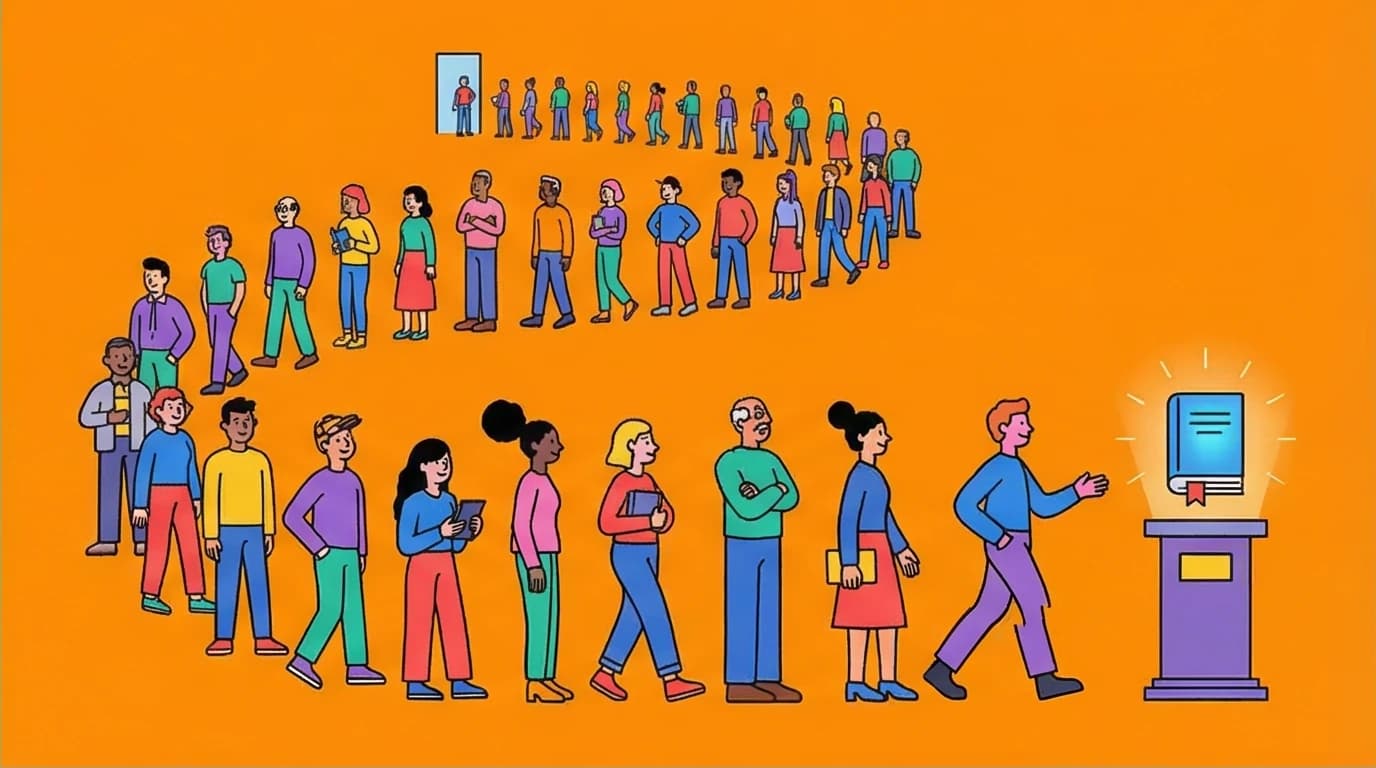
Libby mimics a physical library. Your local branch purchases a digital license for a specific book. If they buy five digital copies of a Stephen King novel, only five people can read it at the same time. This means highly anticipated bestsellers will have wait lists.
Libby mimics a physical library. Your local branch purchases a digital license for a specific book. If they buy five digital copies of a Stephen King novel, only five people can read it at the same time. This means highly anticipated bestsellers will have wait lists.
The only downside to Libby's popularity is that you'll inevitably run into wait lists for new bestsellers. If you’re eager to grasp the main ideas of a book while you're still number 74 on the hold list, there's another way to learn without the wait.
LeapAhead

Get the key insights from popular nonfiction books in just 15 minutes, so you can learn immediately while waiting for your library hold to become available.
Speaking of Stephen King, there is no better way to test out Libby’s immersive reading interface than by diving into one of his undisputed masterpieces. Since massive, gripping thrillers are some of the most popular titles requested at local public libraries, you might encounter a wait line—but the suspense is entirely worth it. If you want to see exactly why millions of readers prefer digital borrowing for their late-night scares, add this iconic horror staple to your digital library holds today.
The iPhone experience:
Libby is beautifully designed. The typography is clean, navigation is intuitive, and it integrates seamlessly with Apple CarPlay. When utilizing libby app audiobooks, the player features customizable playback speeds (up to 3x), a sleep timer, and a highly accurate scrubbing tool that lets you jump back precisely to where you lost focus.
Libby is beautifully designed. The typography is clean, navigation is intuitive, and it integrates seamlessly with Apple CarPlay. When utilizing libby app audiobooks, the player features customizable playback speeds (up to 3x), a sleep timer, and a highly accurate scrubbing tool that lets you jump back precisely to where you lost focus.
For visual readers, you can customize the background color (light, dark, or sepia), adjust the font scale, and even switch to a specialized OpenDyslexic font. If you prefer reading on an e-reader rather than your phone screen, Libby has a built-in "Send to Kindle" button, pushing the borrowed ebook directly to your Amazon account.
Hoopla: The Instant Gratification Engine
While Libby forces you to wait for popular titles, Hoopla operates on an entirely different financial model, making it the perfect complementary tool.
How the catalog works:
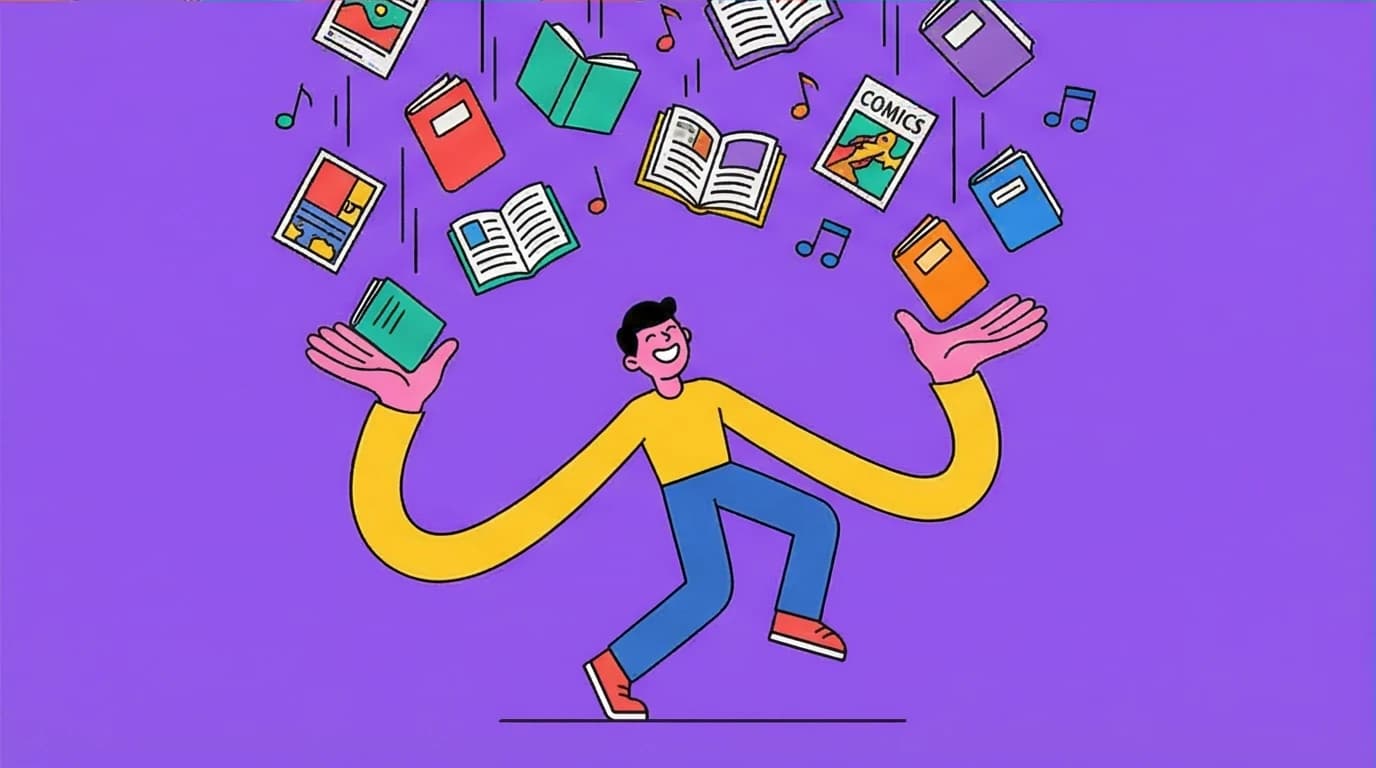
Hoopla uses a pay-per-checkout model. Your local library pays a small fee to Hoopla every time you borrow a title. Because of this, there are no wait lists. If you see a book, audiobook, comic, or movie on Hoopla, you can borrow it immediately. The trade-off is that your local library will cap your monthly usage to manage their budget—usually allowing you 5 to 15 borrows per month.
Hoopla uses a pay-per-checkout model. Your local library pays a small fee to Hoopla every time you borrow a title. Because of this, there are no wait lists. If you see a book, audiobook, comic, or movie on Hoopla, you can borrow it immediately. The trade-off is that your local library will cap your monthly usage to manage their budget—usually allowing you 5 to 15 borrows per month.
The iPhone experience:
Downloading the hoopla app iphone version gives you access to a massive multimedia dashboard. While its ebook reading interface is slightly less refined than Libby's, Hoopla excels in audiobooks and graphic novels. Its "Action View" for comics panels makes reading Marvel or DC titles on an iPhone screen incredibly smooth.
Downloading the hoopla app iphone version gives you access to a massive multimedia dashboard. While its ebook reading interface is slightly less refined than Libby's, Hoopla excels in audiobooks and graphic novels. Its "Action View" for comics panels makes reading Marvel or DC titles on an iPhone screen incredibly smooth.
While library apps provide incredible value for audiobook listeners, they are just the beginning. If you're a dedicated listener looking for premium features or different catalogs beyond what your library offers, it's worth exploring the wider market.
Step-by-Step: How to Borrow Digital Books Free
If you have never set this up before, the process takes less than three minutes.
- Keep Your Library Card Handy: You need your physical or digital card number and your PIN (often the last four digits of your phone number).
- Download the Apps: Search the Apple App Store for "Libby, by OverDrive" and "hoopla Digital."
- Verify Your Location: Both apps will ask to use your iPhone's location services to find the closest library branches.
- Link Your Card: Select your library system, type in your card number and PIN.
- Start Browsing: Tap the search icon to find specific authors, or browse curated lists created by your local librarians. Tap "Borrow," and the file downloads directly to your device for offline access.
Once you have your library apps set up, you might notice a profound shift in how you interact with your device. Replacing mindless social media scrolling with intentional reading or audiobook listening is one of the easiest ways to reclaim your screen time. If you want to take this philosophy a step further and completely transform your relationship with your smartphone, consider exploring strategies to optimize your digital life. Turning your iPhone into a dedicated e-reader is the perfect first step toward a more focused, distraction-free routine.
Digital Minimalism
Cal Newport
 20 Duration
 8 Key Points
 4.7 Rate
Pro Strategies to Maximize Your Digital Library
Simply downloading the best library apps for iPhone is the baseline. Power users treat their digital library access strategically to eliminate wait times and expand their available selection.
Stack Multiple Library Cards
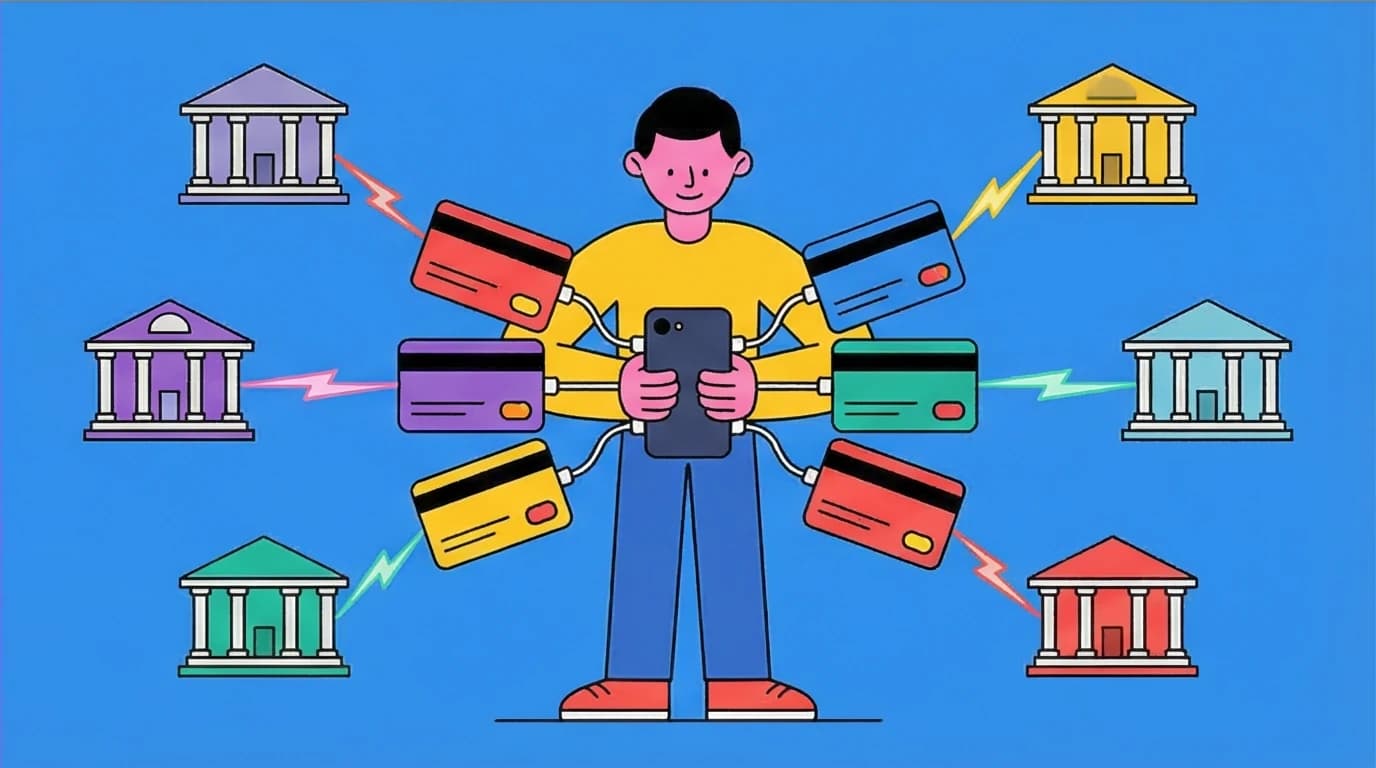
Your local city library is just the starting point. Most US states have reciprocal borrowing agreements. This means if you are a resident of the state, you can get free library cards from other major cities or counties within that state.
For example, any resident of California can get a Los Angeles Public Library (LAPL) card. Any resident of New York State can apply for a New York Public Library (NYPL) or Brooklyn Public Library card.
In Libby, you can add multiple library cards to your single account. When you search for a book, Libby will automatically scan all your connected library cards and show you which library has the shortest wait time.
Master the "Suspend Hold" Feature
If you place holds on five popular audiobooks, they might all become available on the exact same day. You will not have time to finish them before the 14-day loan period expires.
Libby allows you to "Suspend Holds." If a book becomes available but you are too busy to read it, you can push your delivery back by a few weeks. You keep your number-one spot in line, and the book goes to the next person temporarily.
Managing your holds helps you control the flow, but what about the sheer size of your 'to-read' list? If you want to get through the essential ideas of more books without committing to a full read every time, a book summary app can be a game-changer.
These tools are perfect for absorbing key takeaways while you wait for your library loan or deciding which books are truly worth your time.
LeapAhead
Tackle your overwhelming 'to-read' list by getting the core ideas from books in minutes, helping you learn faster and decide which titles are worth a full read.
Managing your holds effectively is the secret to tackling massive literary hits without feeling overwhelmed. When a runaway bestseller dominates the library charts, wait times can stretch for weeks or even months. Instead of losing your place in line when a highly anticipated title finally drops onto your iPhone, simply suspend the hold until you are ready. If you are looking for a beautifully written, atmospheric novel that is absolutely worth the wait, this chart-topping phenomenon should be the next addition to your digital queue.
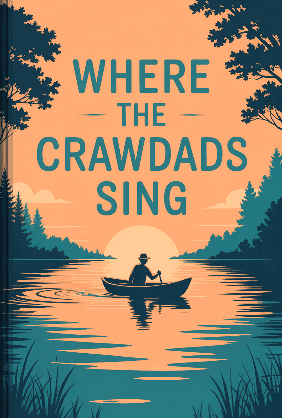
Where the Crawdads Sing
Delia Owens
12 Duration6 Key Points4.4 RateLeverage Hoopla BingePasses
If you burn through your monthly Hoopla limit too fast, look for the BingePass feature. A single BingePass uses only one of your monthly borrows but grants you unlimited access to specific content collections (like entire magazines or Great Courses series) for seven days.
Niche iPhone Library Apps Worth Knowing
While Libby and Hoopla will cover 95% of your needs, the US library ecosystem has a few other specialized apps depending on your local network.
- Palace Project: Backed by the Knight Foundation, this open-source app is gaining traction in states like California and New Jersey. It aims to combine ebooks from OverDrive, Baker & Taylor, and the library's own proprietary servers into one unified feed. If your local library heavily promotes Palace, it is worth a download.
- SimplyE: Created by the New York Public Library, this app functions similarly to Palace and serves NY-based readers with a massive public domain and licensed catalog.
- Kanopy: While technically focused on film rather than books, Kanopy connects to your library card to stream critically acclaimed movies, documentaries, and The Criterion Collection directly to your iPhone or Apple TV.
Choosing to read library books on phone screens no longer means dealing with clunky PDFs or frustrating DRM restrictions. By utilizing Libby for high-quality reading and Hoopla for instant audiobook access, you effectively carry a multi-million-dollar catalog in your pocket. Secure your local library card, link your accounts, and stop paying for content that belongs to your community.
Beyond the library, your iPhone can be a gateway to a massive collection of public domain classics and other freely available titles that don't require a library card at all.
Eliminating your pricey monthly audiobook and e-book subscriptions is just one small step toward taking control of your personal finances. When you start leveraging free local resources like Libby and Hoopla, you free up cash that can be redirected toward your bigger financial goals. If hacking your reading habits has inspired you to optimize the rest of your budget, diving into a no-nonsense guide on wealth building is the logical next step. Borrow this essential financial playbook from your newly connected digital library to start maximizing your money.
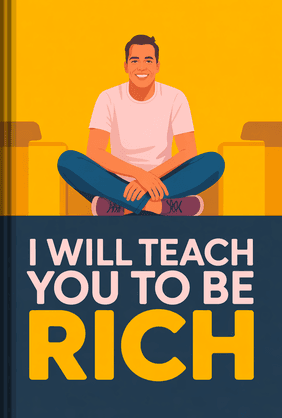
I Will Teach You to Be Rich
Ramit Sethi
39 Duration8 Key Points4.5 RateFAQ
Can I read or listen to library books on my iPhone without an internet connection?
Yes. Both Libby and Hoopla automatically download borrowed titles to your iPhone's local storage over Wi-Fi or cellular data. Once the download is complete, you can read on an airplane, in the subway, or completely offline without any interruptions.
Yes. Both Libby and Hoopla automatically download borrowed titles to your iPhone's local storage over Wi-Fi or cellular data. Once the download is complete, you can read on an airplane, in the subway, or completely offline without any interruptions.
Why does my local library offer Libby but not Hoopla?
Hoopla's pay-per-checkout model can be expensive for underfunded libraries. Every time you tap "borrow" on Hoopla, the library pays a fee. Some library systems choose to allocate their entire digital budget to OverDrive (Libby) where they can purchase fixed digital licenses instead of variable per-use fees.
Hoopla's pay-per-checkout model can be expensive for underfunded libraries. Every time you tap "borrow" on Hoopla, the library pays a fee. Some library systems choose to allocate their entire digital budget to OverDrive (Libby) where they can purchase fixed digital licenses instead of variable per-use fees.
Are there late fees for digital library books?
No. Digital books automatically return themselves exactly down to the minute your loan period expires (usually 14 or 21 days). The file will simply delete itself from your iPhone. You will never face a late fee for an ebook or digital audiobook.
No. Digital books automatically return themselves exactly down to the minute your loan period expires (usually 14 or 21 days). The file will simply delete itself from your iPhone. You will never face a late fee for an ebook or digital audiobook.
Can I send library ebooks from my iPhone to a Kindle device?
Yes, but only through Libby, and only for users in the United States. After borrowing an ebook in the Libby app, tap "Read With..." and select "Kindle." You will be routed to Amazon's website to log in and select which Kindle device you want the library book delivered to. Hoopla does not currently support Kindle e-reader integration.
Yes, but only through Libby, and only for users in the United States. After borrowing an ebook in the Libby app, tap "Read With..." and select "Kindle." You will be routed to Amazon's website to log in and select which Kindle device you want the library book delivered to. Hoopla does not currently support Kindle e-reader integration.